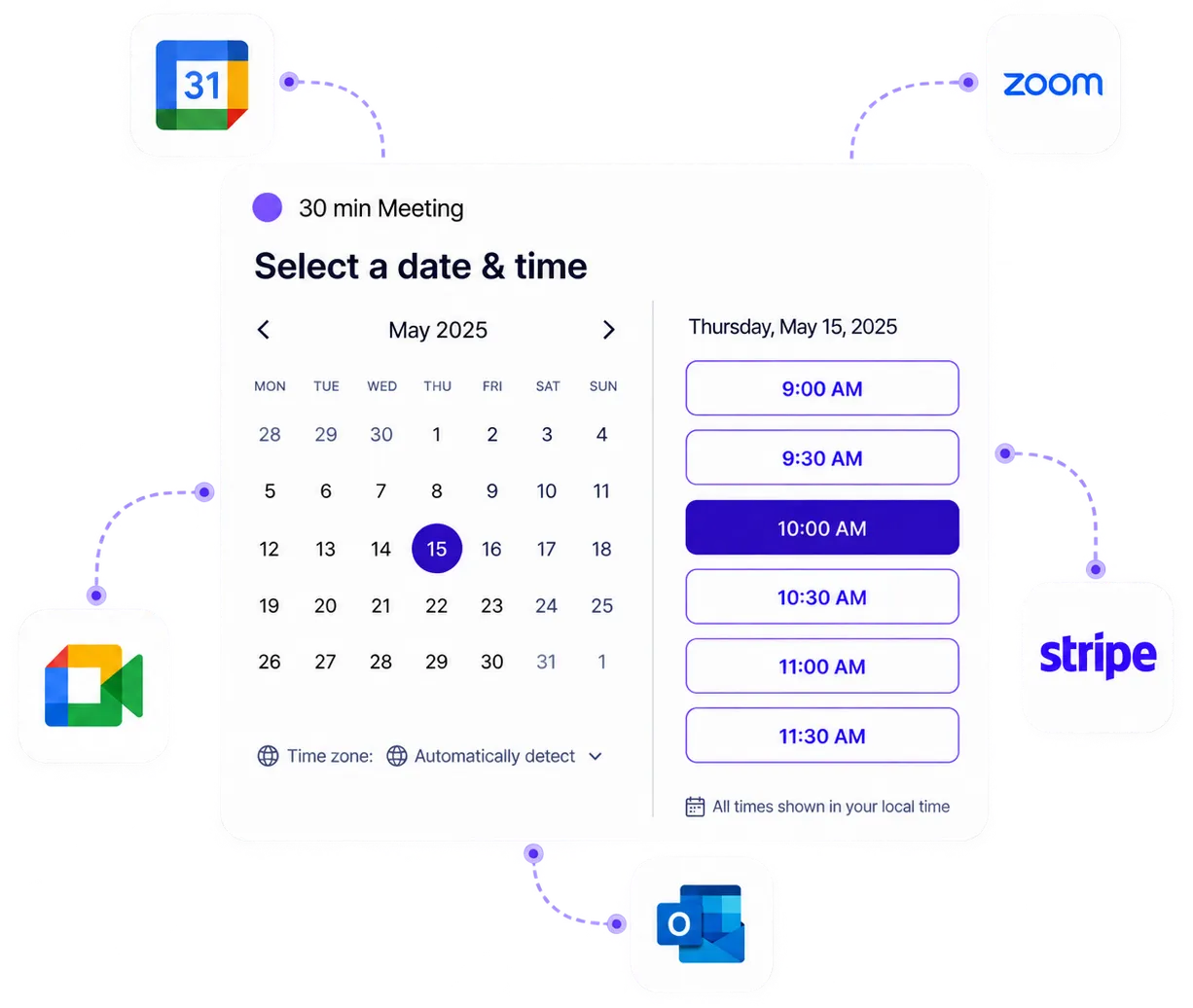
Meeting scheduling Chrome extension
Install Koalendar's Chrome extension and reach your booking pages from any tab. Grab the right link, prefill it, and share it in a click, without leaving what you're doing.
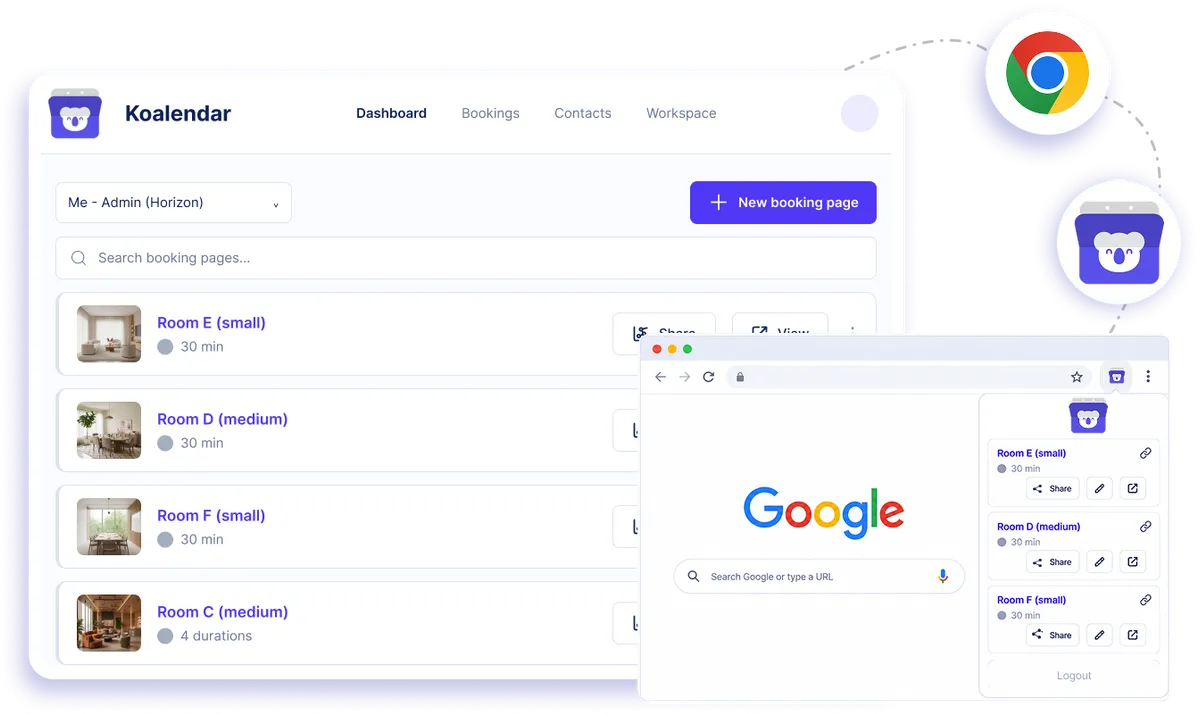
Native Chrome browser extension
Free meeting scheduling extension for Chrome
Keep scheduling within easy reach while you work. Koalendar's Chrome scheduling extension puts your booking pages in your browser toolbar, so you can grab the right link, prefill invitee details, and share it without opening another tab. Whether you're replying to an email, messaging a lead, or working in a browser-based tool, your availability is ready when you need it.
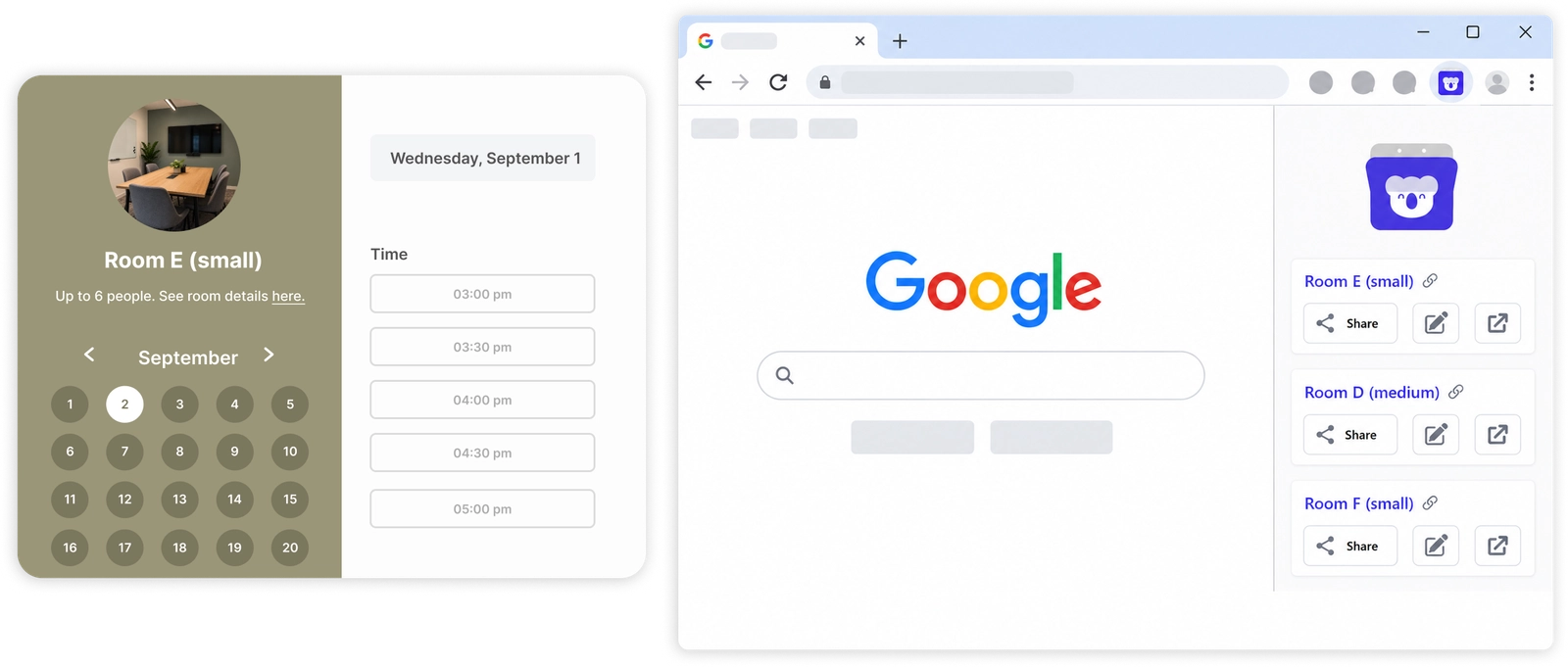
Share booking links without interrupting your work
Reach every booking page from any tab
Open Koalendar from your Chrome toolbar and get instant access to your booking pages, so you never need to search bookmarks or switch back to your dashboard.
Share the right meeting link faster
Choose the booking page that fits the conversation and copy its link in a click, whether you're in email, a CRM, LinkedIn, or another browser-based tool.
Make booking easier with prefilled links
Prefill invitee details before you share a booking link, giving the person you're meeting a quicker, more personal scheduling experience.
Stay focused on the conversation
Keep your meeting scheduling extension inside the workflow you already use instead of jumping between tabs every time someone asks when you're free.
Move even faster with CMD + K
Use shortcuts to bring up your booking pages quickly and share your availability with fewer clicks.
Features
Everything you need to share booking links faster
Your Koalendar booking pages stay one click away in Chrome, with fast sharing and convenient prefilling built into your browser workflow.
One-click browser access

Open your Koalendar booking pages directly from the Chrome toolbar without leaving the tab you're working in.
Quick booking link sharing

Find the right scheduling page and copy its booking link in seconds, ready to paste into an email, message, CRM, or social conversation.
Prefilled booking links

Add invitee details before sharing your link so clients, candidates, or colleagues have less information to type when they book.
CMD + K shortcut

Open your booking pages with a keyboard shortcut when you want to share your availability without breaking your flow.
All your booking pages in one place

Keep multiple meeting and appointment links organised in the extension, making it easy to choose the right page for each conversation.
Chrome toolbar convenience

Keep Koalendar close at hand in your browser toolbar, so meeting scheduling is always available when a conversation turns into a booking.
How it works
Start sharing booking links in three steps
- 1
Install the Koalendar Chrome extension
Add Koalendar from the Chrome Web Store, then sign in with your Koalendar account.
- 2
Choose the booking page you need
Open the extension from any tab to see your booking pages, then pick the right link for the person you're talking to.
- 3
Prefill and share your link
Add invitee details if you want, copy the link, and send it without leaving your current workflow.
Once installed, the Chrome extension keeps your Koalendar booking pages close by whenever you need them. Open, prefill, share, and get back to what you were doing.
 Koalendar
 Chrome Extension
Try the booking system with Chrome Extension
It's free. No credit card required.
Start Free Forever Now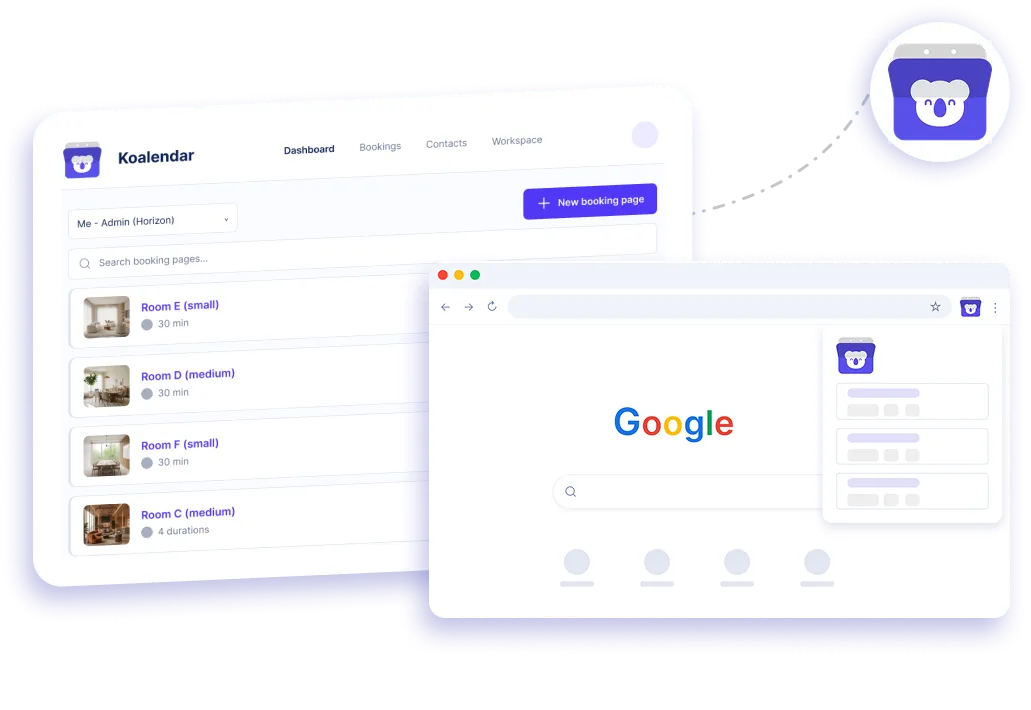
Testimonials
Loved by people who schedule from their browser
See how Koalendar users make sharing availability quicker and easier with the Chrome extension.
Connects your apps to Koalendar









Frequently asked questions
Have a different question and can't find the answer you're looking for? Reach out to our support team by sending us an email and we'll get back to you as soon as we can.
It gives one-click access to your booking links, lets you prefill and share them, and includes a CMD + K shortcut for quick sharing.
Koalendar also has a Brave extension. On other Chromium browsers you can usually install it from the Chrome Web Store.
Yes. Sign in with your Koalendar account and your booking pages appear in the extension.
Easier access, better productivity
Connect Koalendar to the tools you already use to streamline scheduling, keep everything in sync, and book more.
Try it for free