Make it yours
- Download or import into Google Sheets
- Add your doctors and upcoming visits
- Write down questions before each visit
- Record instructions and follow-up dates
A free doctor appointment template to plan visits, prepare questions, and keep follow-up details together in one simple record.
Free to download No sign-up needed
Booking patients for a practice? Meet Koalendar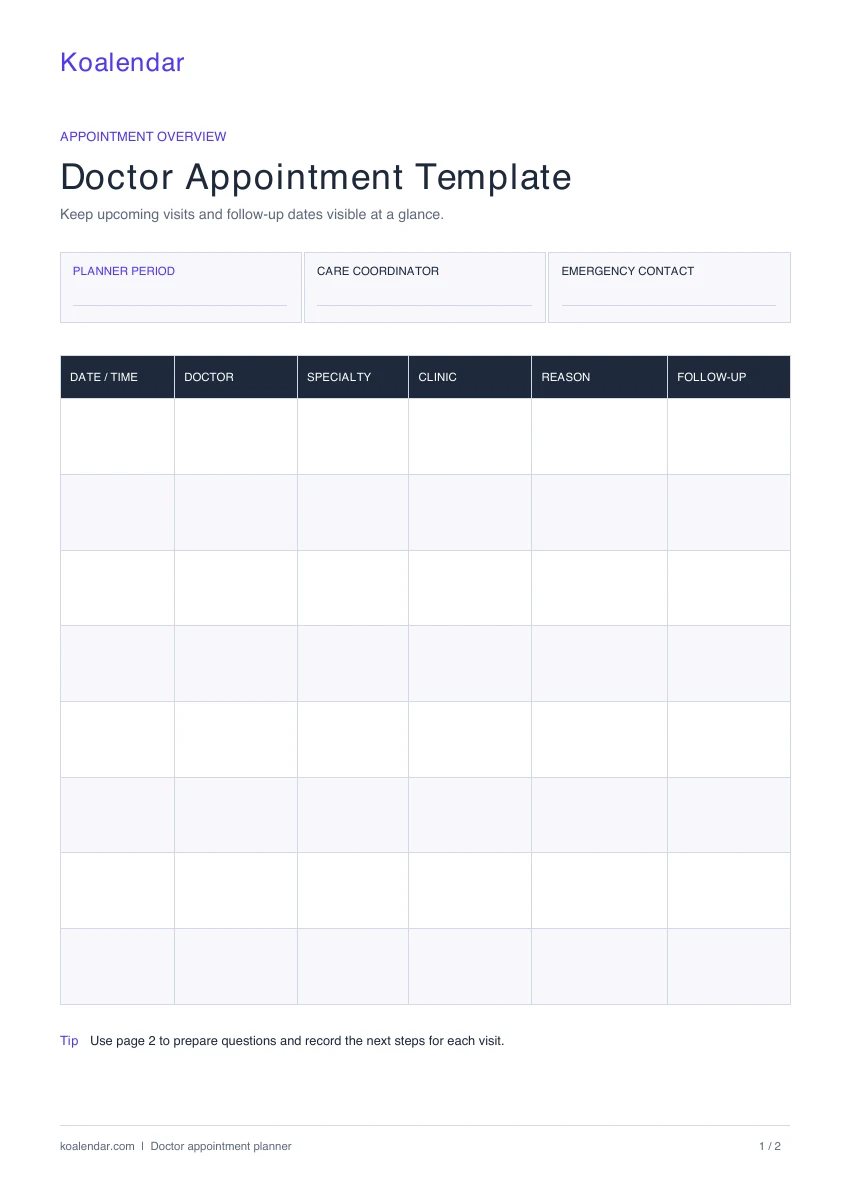
Your appointments, notes, and next steps. All together.
When your schedule grows
Less admin. More time for people.
Run a practice? Give patients a simple way to book, while your calendar takes care of the details.
| With a manual template | With Koalendar |
|---|---|
Check availability manually | Availability updates automatically |
Enter bookings by hand | Patients self-book online |
Send confirmations yourself | Automatic confirmations are sent |
Send reminders manually | Automate reminders on a paid plan |
Update calendars yourself | Calendar updates in real time |
Free plan available. No credit card needed.
A booking page that works around you.
Run a practice? Create a free booking page in minutes and let Koalendar handle the rest.
Create your free booking page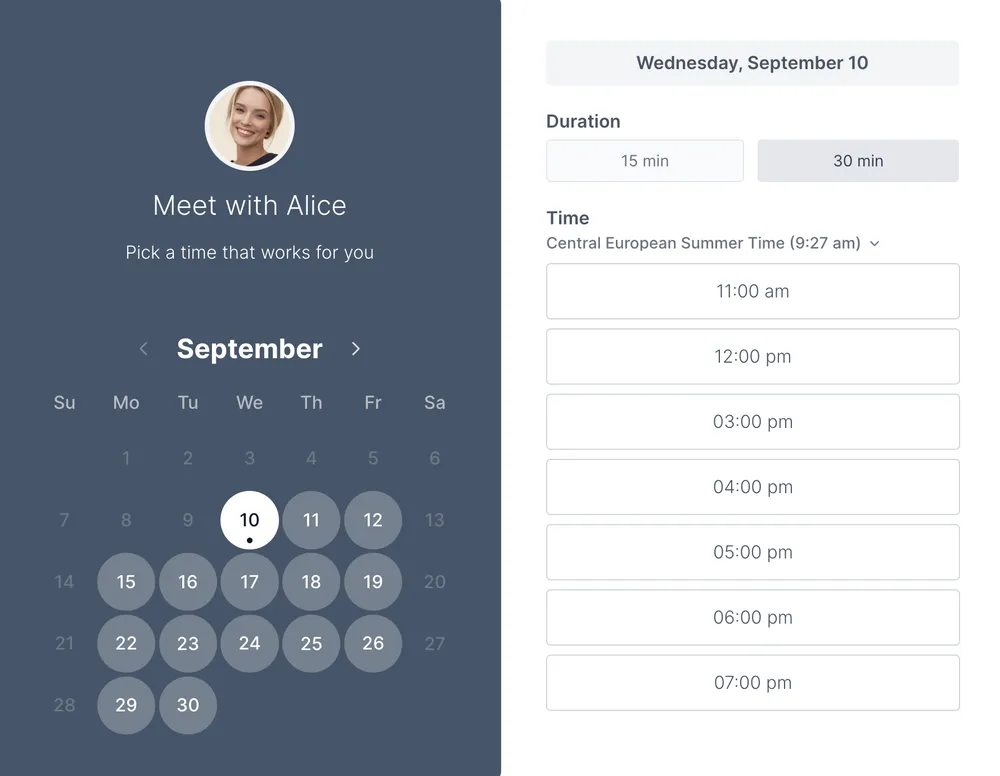
When visits involve more than one doctor, details can end up scattered across emails, appointment cards, and loose notes. This template brings them into one place. Use the overview to see which visit comes next, then use a separate appointment record for each consultation. The planner period, care coordinator, and emergency contact fields give you a consistent place for practical details.
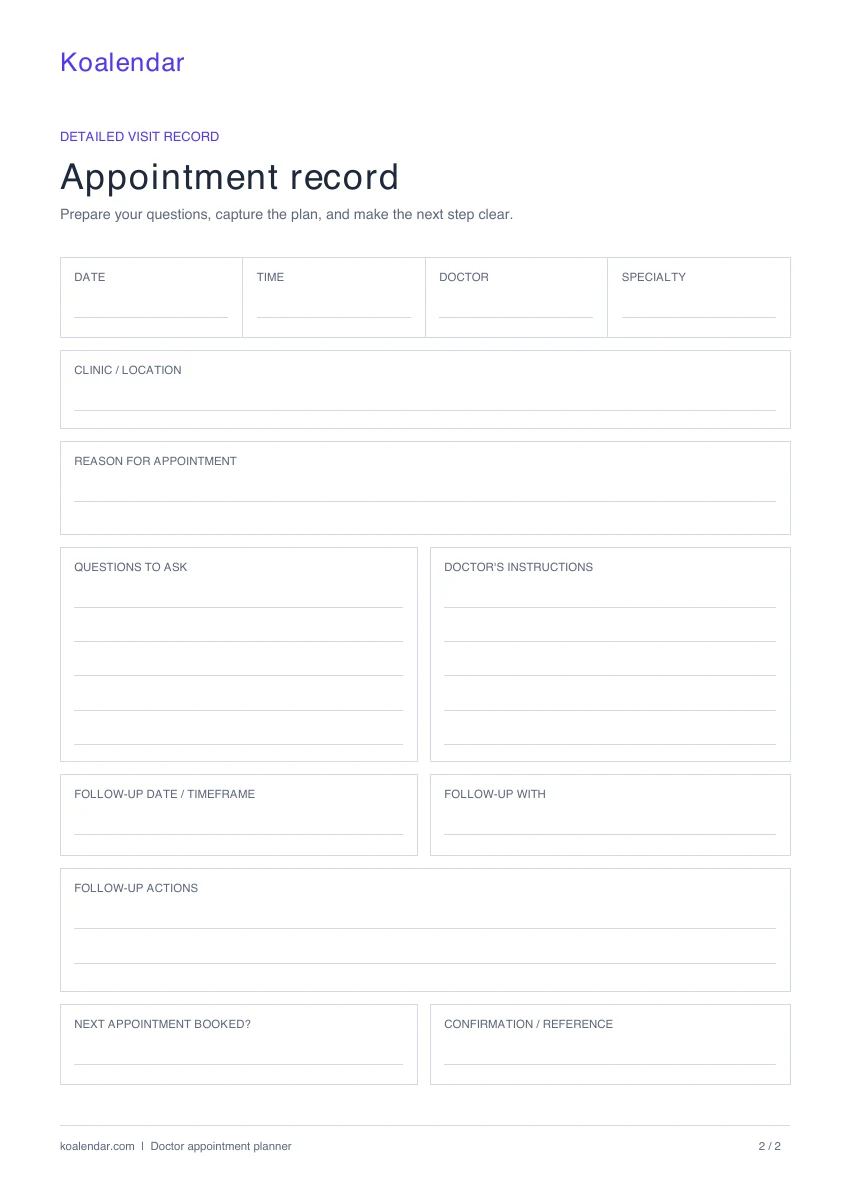
The two-page PDF is ready to print: page one is your appointment overview, and page two is a reusable visit record. Print extra copies of the second page whenever you need them. Prefer typing? The Excel workbook has an Appointment overview tab and a Visit record tab, with space to add more appointments. You can also import the workbook into Google Sheets to update your copy across devices.
Before you put the planner away, fill in the follow-up date or timeframe, who the follow-up is with, and any actions discussed during your appointment. Record whether the next appointment is booked and add its confirmation number if you have one. The template stores what you enter; it does not book visits or send reminders, so add confirmed dates to your calendar too.
A doctor appointment calendar template gives patients and caregivers a useful overview. But if you organize appointments for a practice, every new booking still means checking availability, confirming a time, and updating the schedule by hand.
Koalendar helps practices manage that booking work: patients choose an available time, receive a confirmation, and can reschedule through their booking link. Your connected calendars keep availability up to date.
Explore medical appointment scheduling or scheduling software for clinics.
Choosing a format and making the most of your template.
Yes. Both the printable PDF and the editable Excel workbook are free, with no signup required. Download the format you prefer and reuse it for future appointments.
The PDF has two pages: an appointment overview with eight blank rows, and a detailed visit record. The record includes space for the date, time, doctor, specialty, clinic, reason for the visit, questions, instructions, and follow-up details.
Yes. Download the Excel file, open Google Sheets, and select File → Import → Upload. Choose the workbook to create an editable copy with an Appointment overview tab and a Visit record tab.
Yes. List your upcoming visits in date order on the overview to make a simple appointment calendar. It is an appointment list rather than a monthly calendar grid. Add confirmed dates to your phone or desktop calendar if you also want reminders.
This template is designed for patients and caregivers tracking their own visits and follow-ups. A practice coordinating many patients should use a dedicated medical office schedule or an online booking page for availability and bookings.
No. The PDF and spreadsheet record appointments you arrange separately. If you run a practice, a Koalendar booking page lets patients choose from your available times and receive a booking confirmation.
Give the front desk a clearer daily plan. Coordinate providers, rooms, visit lengths, and check-ins with a free medical office scheduling sheet.
Make appointment reminders clear and easy to act on. Copy a patient-friendly email or SMS message, then add your practice's visit details.
Collect the details needed to arrange a visit. Use a free printable doctor appointment request form for contact information, provider preference, and availability.