Make it yours
- Download the printable PDF
- Print a blank form for each request
- Collect contact details and preferred times
- Check availability and confirm separately
Collect the details needed to arrange a visit. Use a free printable doctor appointment request form for contact information, provider preference, and availability.
Free to download No sign-up needed
Booking patients for a practice? Meet Koalendar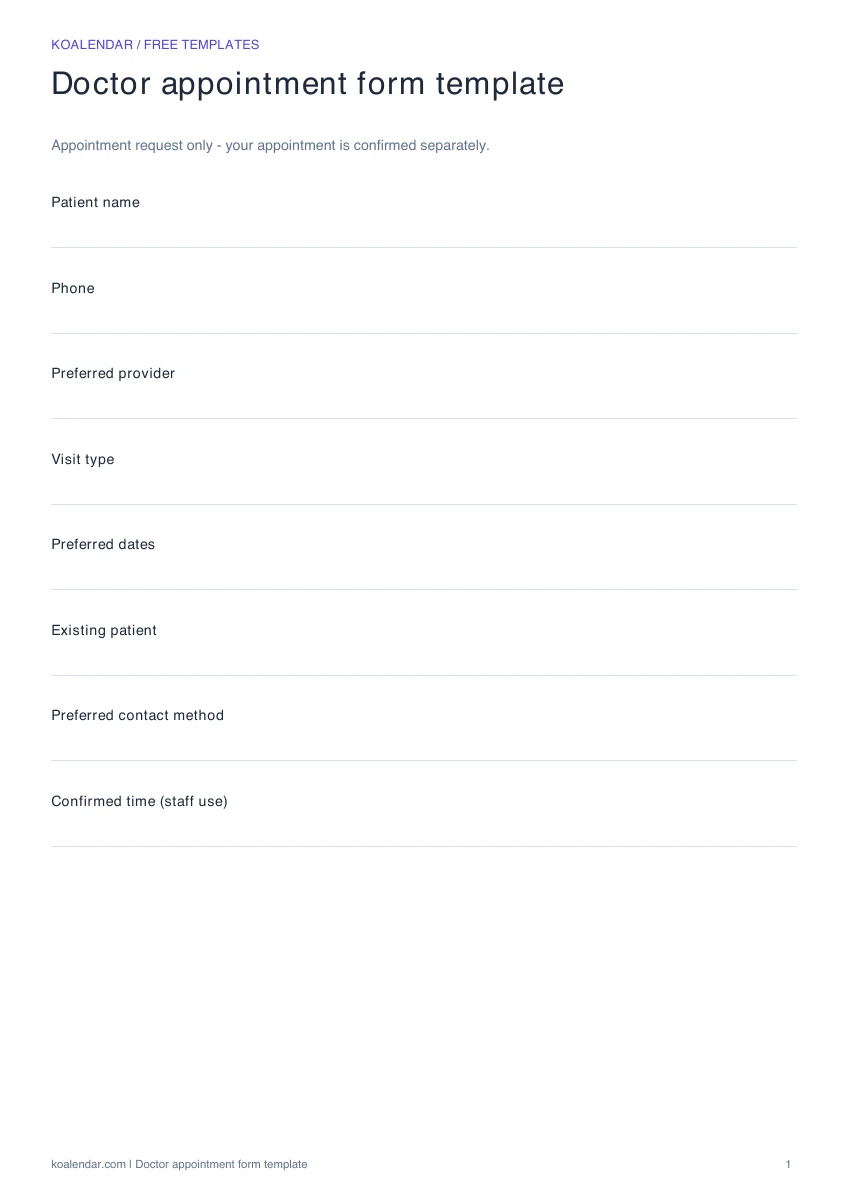 Blank template
 Preview the real download. Start with your own blank copy.
When your schedule grows
Less admin. More time for people.
Use your template for planning. Give people a booking link when you want fewer messages to arrange a time.
| With a manual template | With Koalendar |
|---|---|
Check the calendar before replying | Show available times from connected calendars |
Enter each confirmed booking | People choose a time on your booking page |
Send confirmation messages yourself | Booking confirmations are sent automatically |
Handle time changes through messages | People can use their rescheduling link |
Remember to send a reminder | Schedule reminders on a paid plan |
Free plan available. No credit card needed.
From a request to a confirmed time.
Let people choose from your available times on a Koalendar booking page, with a confirmation after booking.
Create your free booking page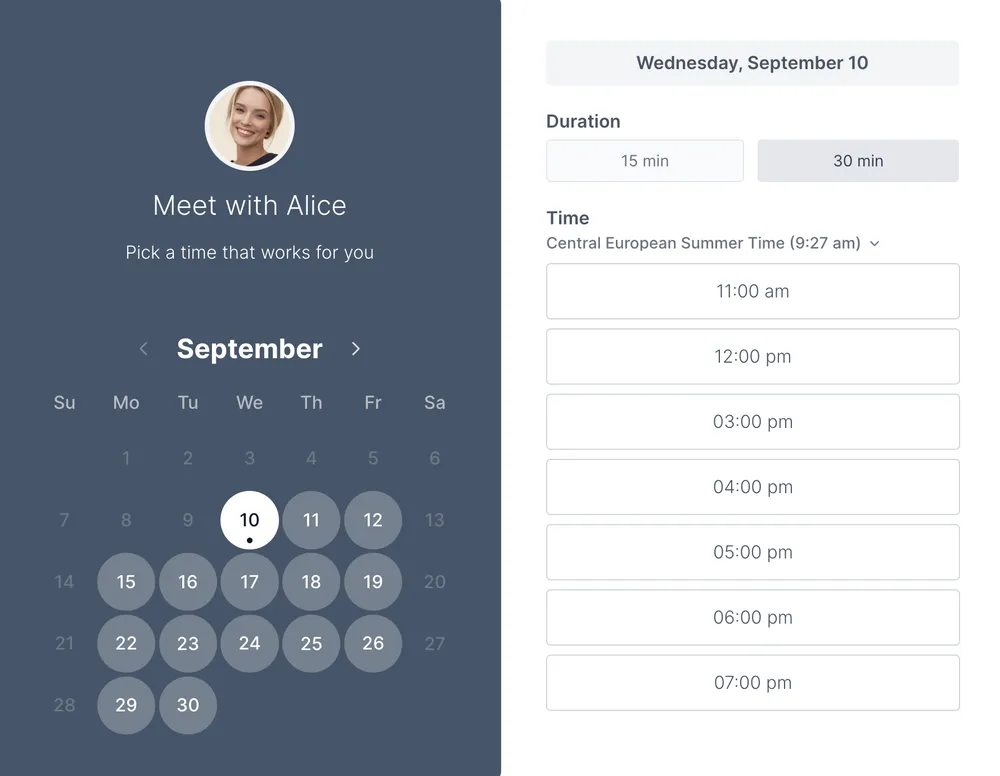
This form helps a reception team collect practical details for a booking request. It includes contact information, preferred provider, visit type, and possible dates. It is a scheduling aid, not a clinical intake or consent form, and submitting it does not confirm an appointment.
A short scheduling form is easier to complete and review. Use broad visit categories where possible and avoid asking for detailed clinical information on a general booking request. Your practice can use its established intake process for information needed before the consultation.
A doctor appointment form template captures a request. Staff still have to find a slot and call back.
With a Koalendar booking page, visitors choose from available times instead of submitting a paper request and waiting for a reply. Review the booking questions and plan features you need before publishing.
Explore intake forms glossary or medical scheduling.
Choosing a format and making the most of your template.
Yes. The template and its listed downloads are free, with no account required. Creating a live Koalendar booking page is a separate step.
Yes. The PDF has blank fields with room to write. The Excel file includes a blank Template tab and a separate fictional example for reference.
No. This is an appointment request. Someone must check availability and confirm a time separately.
Yes. Download the Excel file and edit the field labels or import it into Google Sheets. The PDF is intended for printing and handwriting.
A short scheduling form is easier to complete and review. Use broad visit categories where possible and avoid asking for detailed clinical information on a general booking request. Your practice can use its established intake process for information needed before the consultation.
Make requesting an appointment simple. Download a clean printable form for contact details, service preferences, and two possible appointment times.
A free doctor appointment template to plan visits, prepare questions, and keep follow-up details together in one simple record.
Make arranging a visit easier for patients. Explore a doctor appointment booking-page layout and a practical setup guide for your practice.
Give the front desk a clearer daily plan. Coordinate providers, rooms, visit lengths, and check-ins with a free medical office scheduling sheet.