Make it yours
- Download Excel or the printable PDF
- Set the week and calendar name
- Add bookings to the blank grid
- Update your master copy when plans change
See your whole week at a glance. Plan appointments, protect breaks, and spot open hours with a free weekly calendar you can print or edit.
Free to download No sign-up needed
Managing bookings for your business? Meet Koalendar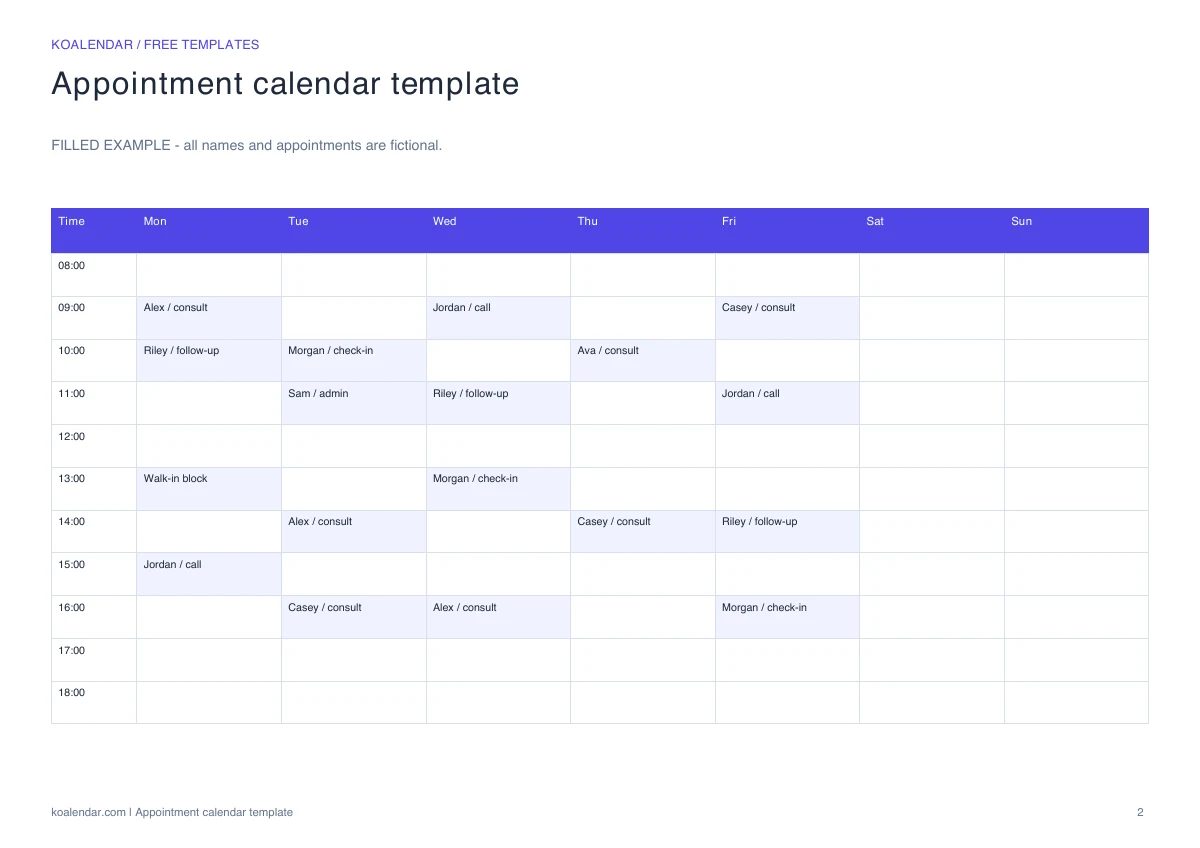 Filled example (fictional details)
 Preview the real download. Start with your own blank copy.
When your schedule grows
Less admin. More time for people.
Use your template for planning. Give people a booking link when you want fewer messages to arrange a time.
| With a manual template | With Koalendar |
|---|---|
Check the calendar before replying | Show available times from connected calendars |
Enter each confirmed booking | People choose a time on your booking page |
Send confirmation messages yourself | Booking confirmations are sent automatically |
Handle time changes through messages | People can use their rescheduling link |
Remember to send a reminder | Schedule reminders on a paid plan |
Free plan available. No credit card needed.
Your next appointment can start with a link.
Create a free Koalendar booking page, set your availability, and let people choose a time that works. Scheduled reminders are available on a paid plan.
Create your free booking page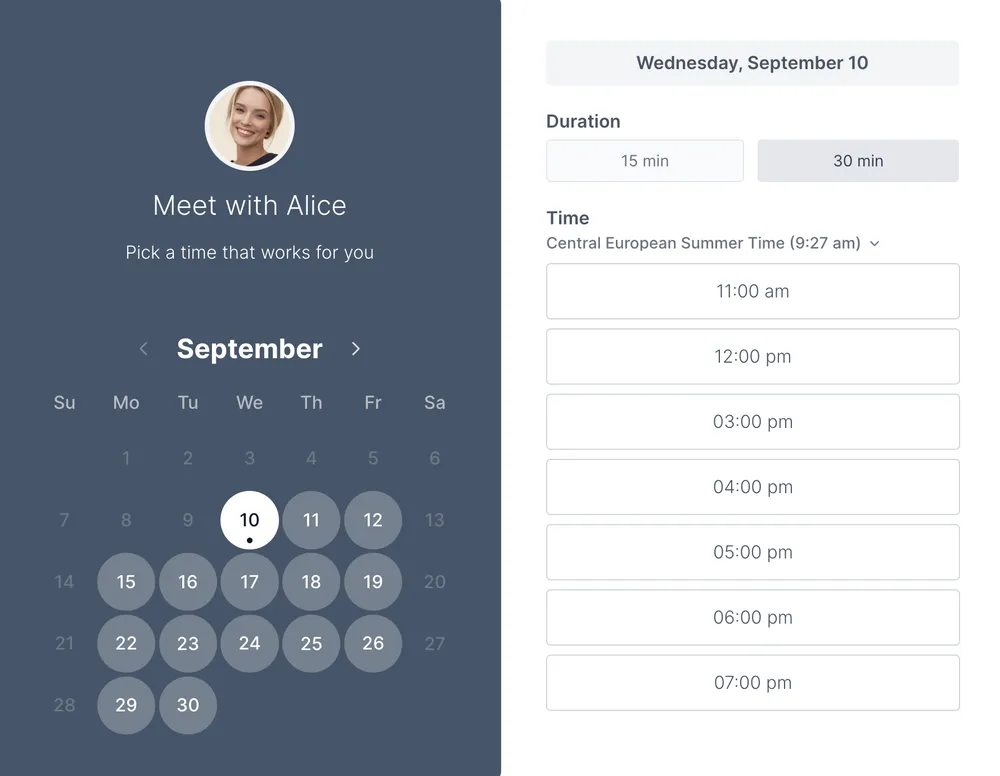
Use this calendar when you want to see when appointments happen, rather than keep a detailed record of each booking. The seven-day grid works for a personal planner, a solo service business, or a desk calendar. Use one grid per person and write the week commencing date before adding appointments.
Choose the calendar for a visual overview of the week. Choose an appointment schedule when you need a separate row for each visit, with start time, end time, staff member, and status. The appointment tracker is for recording outcomes and follow-up after a visit.
This template gives you a clear working record. New requests, cancellations, and changes still need to be checked and entered manually, so keep one version as the source of truth.
Koalendar lets people choose an available time using a booking link and sends a confirmation when they book. Connected calendars help keep availability up to date. The downloadable template remains a separate planning document.
Explore calendar sync or work schedule maker.
Choosing a format and making the most of your template.
Yes. The template and its listed downloads are free, with no account required. Creating a live Koalendar booking page is a separate step.
The Excel workbook includes a blank Template tab, a separate Example tab with fictional entries, and a Read me tab. The PDF contains a blank printable page and a separate example. CSV is available for importing the blank table.
Yes. Download the Excel workbook, open Google Sheets, and choose File → Import → Upload. Select the workbook to create your own editable copy. Review formatting and validation after importing.
Yes. Page one of the PDF is blank and ready to fill in. Page two is a worked example. Choose landscape orientation and check the print preview before printing.
Choose the calendar for a visual overview of the week. Choose an appointment schedule when you need a separate row for each visit, with start time, end time, staff member, and status. The appointment tracker is for recording outcomes and follow-up after a visit.
Give every appointment a clear place in the day. Organize times, clients, services, and staff in a free editable schedule, with a blank version and a worked example.
Keep open, held, and reserved times easy to tell apart. Download a free booking calendar for Excel, Google Sheets, or a printed weekly overview.
Turn incoming appointment requests into a clear booking list. Track preferred times, request sources, and confirmations in one free spreadsheet.
Show when a meeting room is free, at a glance. Download a printable weekly room schedule with an editable spreadsheet and a filled example.