Make it yours
- Review the email and subject line below
- Copy the message or download the text
- Replace every highlighted placeholder
- Review the details before sending
Confirm a patient's appointment with clear, practical details. Copy a ready-to-personalize email for the provider, visit time, location, and contact information.
Free to copy and download No sign-up needed
Booking patients for a practice? Meet KoalendarCopy a version. Make it sound like you.
When your schedule grows
Less admin. More time for people.
Use the message today. When you want messages tied to real bookings, let Koalendar handle the sending.
| Sending messages manually | With Koalendar |
|---|---|
Copy details into each message | Booking details appear in confirmations |
Send every confirmation yourself | Confirmation emails are sent automatically |
Remember when to send a reminder | Schedule reminders on a paid plan |
Handle changes through replies | People can use their rescheduling link |
Update your schedule separately | Connected calendars stay in sync |
Free plan available. No credit card needed.
Let the booking trigger the confirmation.
Give people a booking link and let Koalendar send their confirmation automatically. Add scheduled reminders with a paid plan when you need them.
Create your free booking page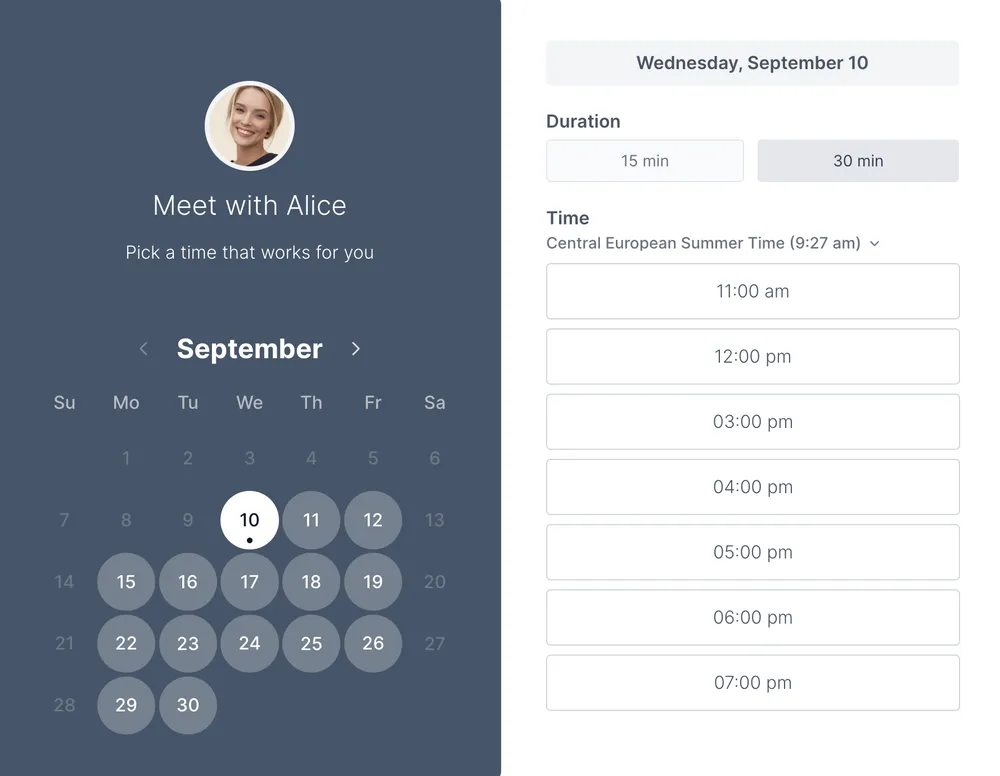
This email gives patients a written record of a confirmed appointment. Keep the provider, date, time, and location together so they are easy to find later. Add only the arrival or preparation instructions your practice has approved for that visit.
For an in-person visit, use the practice address and relevant arrival instructions. For a remote consultation, replace the location with the joining details provided by your practice. Avoid sending contradictory instructions for both formats in the same email.
A copyable message is useful when you arrange a few appointments yourself. Each new booking or change still means checking the details and sending the right message to the right person.
Koalendar sends booking confirmations automatically. If you also want scheduled reminders, those are available on a paid plan. People can manage changes through their booking link instead of starting another email exchange.
Explore appointment reminder software or medical scheduling.
Choosing a format and making the most of your template.
Yes. The template and its listed downloads are free, with no account required. Creating a live Koalendar booking page is a separate step.
Replace each double-brace placeholder with the correct details, remove optional information that does not apply, and review every date and link before sending.
Yes. The preview offers separate copy controls for the subject and email. Reminder templates also offer a separate SMS copy button.
No. Copying or downloading the text does not send it. Koalendar sends confirmations for bookings made through its booking flow; scheduled reminders require a paid plan.
For an in-person visit, use the practice address and relevant arrival instructions. For a remote consultation, replace the location with the joining details provided by your practice. Avoid sending contradictory instructions for both formats in the same email.
Give clients confidence that their appointment is booked. Copy a clear confirmation email with the time, location, and an easy way to make changes.
Make appointment reminders clear and easy to act on. Copy a patient-friendly email or SMS message, then add your practice's visit details.
A free doctor appointment template to plan visits, prepare questions, and keep follow-up details together in one simple record.
Collect the details needed to arrange a visit. Use a free printable doctor appointment request form for contact information, provider preference, and availability.